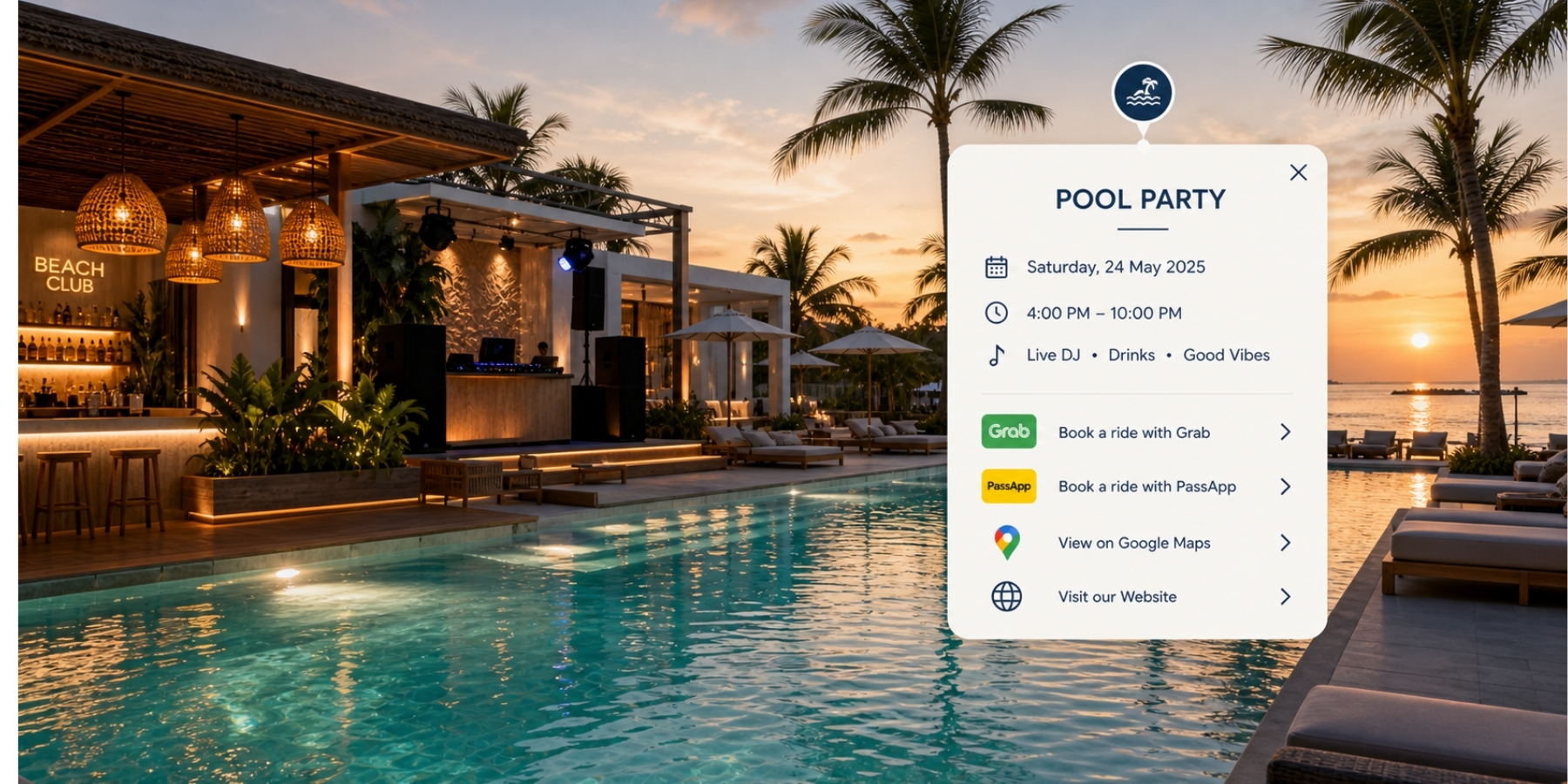
360 experience

Let them walk through before they walk in.

This is the centrepiece. A clean 360 tour gives people control. They choose where to look, where to go and what matters to them.

The simple explanation: it feels like Street View for your own space, with website features built inside the walkthrough.

Built to be explored

Show more than the room. Show how the space actually feels.

PinPoint360 tours are designed to help people understand layout, atmosphere and movement before they arrive.

Visitors can explore the space, then open the things they would normally look for on a website: menus, room details, offers, booking links, videos, directions and contact options.

Interactive walkthroughs, branded visuals, hosted links, website embeds, printable QR codes and assets ready for Google, listings and marketing.

360 tour visual example
View examples

Small demos. Big point.

These are live examples. One shows how a short tour can explain a space. The other shows what cards and video can do inside the tour.

Simple walkabout

Simple tours still make a strong first impression.

This example shows how a clean, focused walkthrough can quickly help people understand the space, layout, and overall atmosphere without needing a full interactive build.
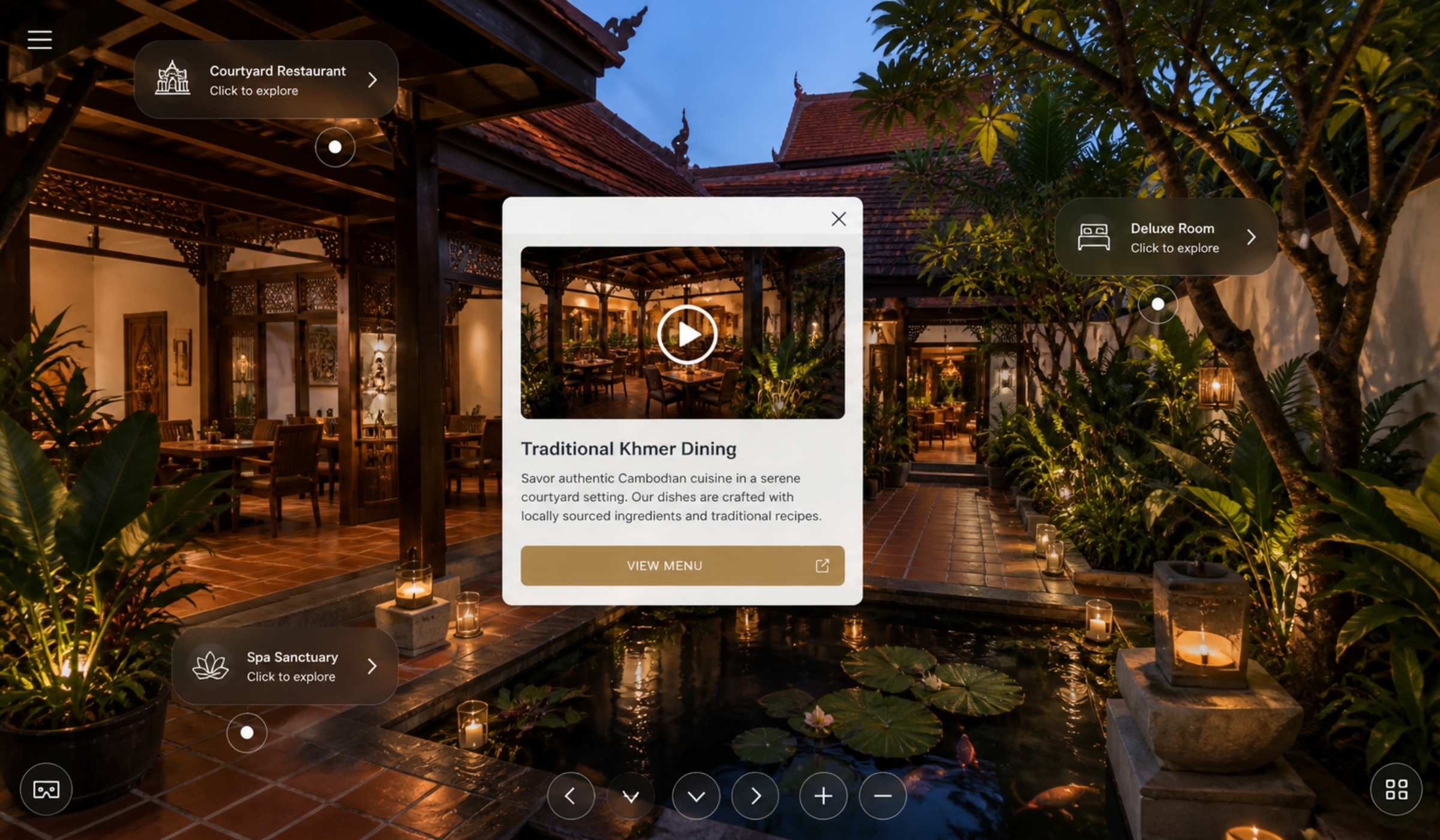
Tour cards

Small details can add much more to the experience.

This example shows how simple info cards can be used to add extra content inside the tour, including video, feature highlights, links, and additional information without overwhelming the walkthrough itself.

Make the tour work for you

What can be added?

More than people usually expect. The tour can be kept clean and simple, or built out with extra layers that actually help people explore, understand and take action.

We can add room labels, info cards, booking buttons, menu links, contact buttons, video popups, audio, directions, feature notes, offer cards, staff guides and more.

Tour cards, labels and media example

Labels

Name rooms, facilities, areas and key features so people know what they are looking at.

Cards

Menus, room info, offers, descriptions and useful details inside the experience.

Buttons

Bookings, contact, maps, menus, enquiries, Grab, PassApp and website links.

Languages

English by default, with Khmer and French options being developed.